User Security and Authentication
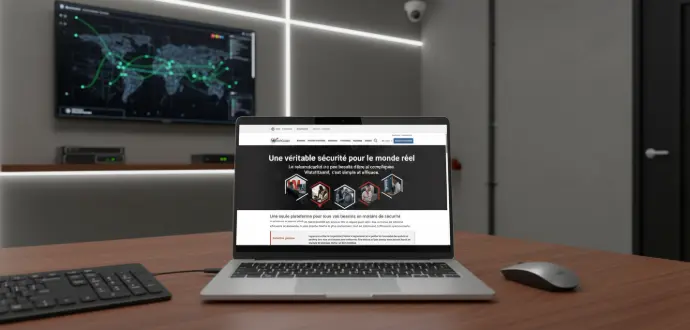
✔️ Real-time protection
✔️ Anti-ransomware
✔️ Secure access
✔️ Ministry of Finance
✔️ AD groups
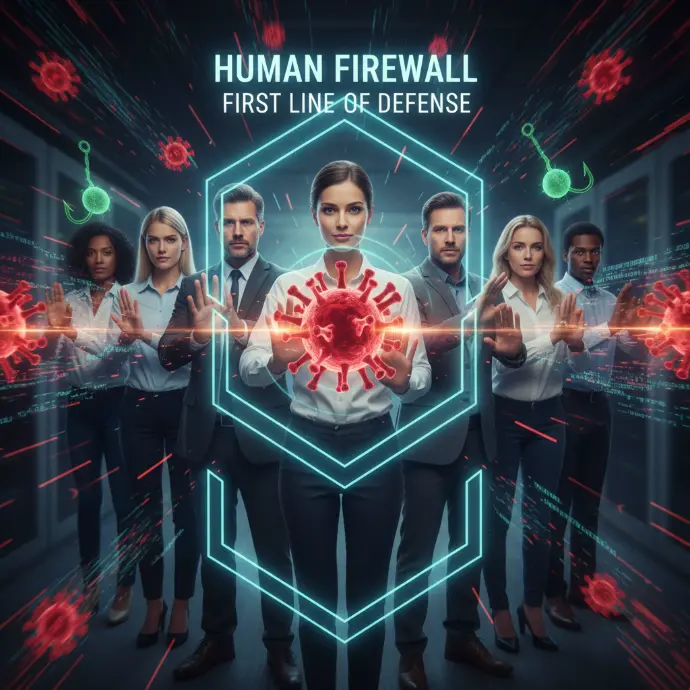
✔️ Filtering
✔️ sandbox
✔️ URL scan
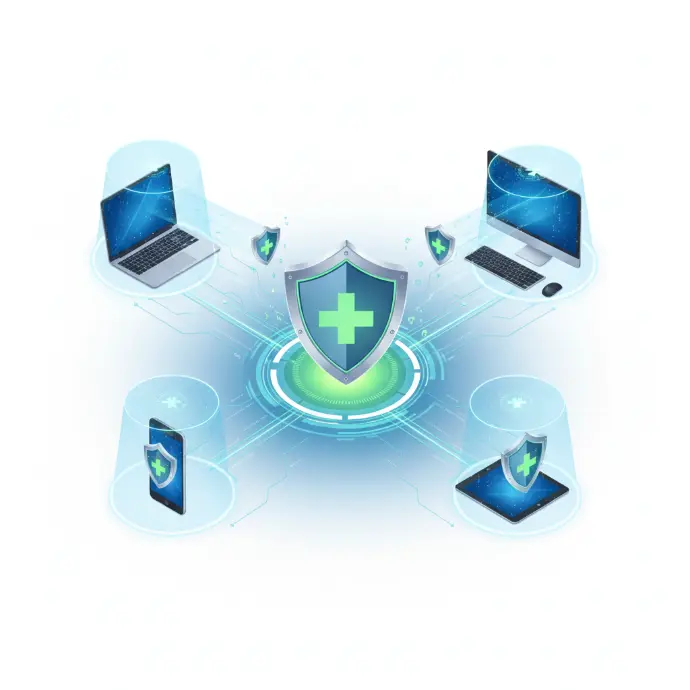
✔️ Best practices
✔️ Phishing tests
Advanced features configured
EDR antivirus (Bitdefender, Watchguard)
Advanced endpoint protection with behavioral detection, anti-ransomware, and incident response.
MFA for sensitive services
Mandatory multi-factor authentication for critical access (email, VPN, business applications).
Windows/Linux security
Hardening of operating systems with disabling of unnecessary services and restrictions.
Admin account restrictions
Limitation of administrator privileges according to the principle of least privilege.
Rights & Permissions Management
Fine-grained configuration of access rights to files, folders, and applications.
AD security policies
Deploying GPOs to apply security rules to all workstations in the domain.
Secure DNS/Web filtering
Blocking of malicious sites, phishing, and inappropriate content at the DNS level.
Anti-phishing awareness
Phishing simulation campaigns and user training in best practices.
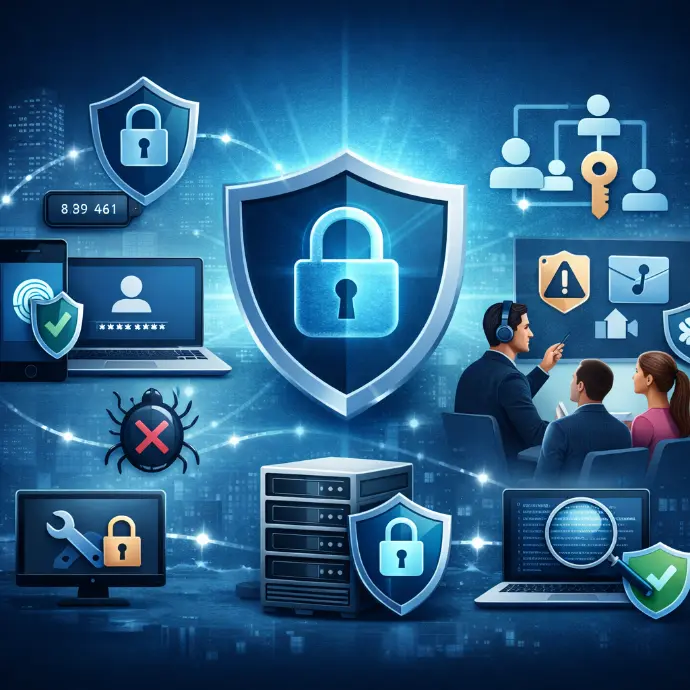

Complete security for the user workstation
We secure each workstation to make it resistant to attacks:
Professional antivirus & EDR
firewall & custom rules
automatic updates
hardening Windows/Linux
protection against scripts & macros
USB port management
Why choose PRO’AUDIT?
Complete workstation protection
EDR antivirus, firewall, automatic updates, and system hardening for maximum protection.
Professional solutions for SMEs
Security solutions tailored to SMBs: easy to deploy, effective, and affordable.
Human & responsive support
A team of cybersecurity experts available to assist you and respond to incidents.
Equipment & technologies we use







User security process
Job audit & permissions
Analysis of the current configuration of workstations, installed software, and user rights.
Installation of protective devices
Deployment of EDR antivirus, firewall, and protection tools on each workstation.
MFA activation & hardening
Configuring multi-factor authentication and applying system hardening rules.
PC security settings
Customization of Windows/Linux security settings according to best practices.
Implementation of web/DNS filtering
Configuring DNS filtering to block malicious websites and phishing.
User training
Awareness sessions on good security practices and phishing risks.
Monitoring & support
Continuous monitoring of workstations and responsive support in the event of a security incident.

Access & Permissions Management: Zero Trust
We apply best practices to protect your data:
specific access rights
controlled user accounts
MFA (strong authentication)
administrator restrictions
AD/Azure AD security groups
Protect your employees and their data from everyday cyber threats.
The user workstation is the primary target of cyberattacks.
70%
Ransomware spreads through emails.
FAQ – User Security
Protect your employees' workstations from cyber threats.
User environment security consists of protect workstations (computers, smartphones, tablets) of your employees against cyber threats: viruses, ransomware, phishing, data theft. This is the first line of defense of your IT security.
We deploy several tools: advanced antivirus software, firewalls, disk encryption, password management, automatic updates, web filtering, and user training. A multilayer approach for optimal protection.
We are implementing anti-phishing filters, solutions for detecting fraudulent emails, and above all, we train your employees to recognize phishing attempts. The awareness is the best protection against this threat.
Yes, we also secure remote work positions : Secure VPN for accessing resources, antivirus, encryption, centralized update management. Your employees are protected wherever they work.
Yes, we offer awareness training For your employees: phishing awareness, security best practices, password management, secure use of tools. Humans are the weak link, you have to forms.
Develop the skills of your teams
Cybersecurity & User Best Practices
Collaborative tools & digital organization
ERP, CRM, DMS & automation
Cloud, infrastructure & telephony
GDPR Compliance & Data Security
🎓Discover our Training Programs →
Train your teams on essential IT challenges.
Our latest content
Discover what's new in our company!
Is your password compromised?
Every day, millions of passwords are exposed in data breaches. Instantly check if yours is among them. 14 billion of compromised accounts listed.
Good news!
This password was not found in any known leak databases.
💡 To go further:
• Make sure your password is at least 16 characters long.
• Enable multi-factor authentication (MFA) on all your accounts
• Use a unique password for each service
🔒 Your password is never transmittedOnly the first 5 characters of its SHA-1 fingerprint are sent (k-anonymity protocol). Source: Have I Been Pwned.