Professional Touchscreens: Interactivity and Collaboration
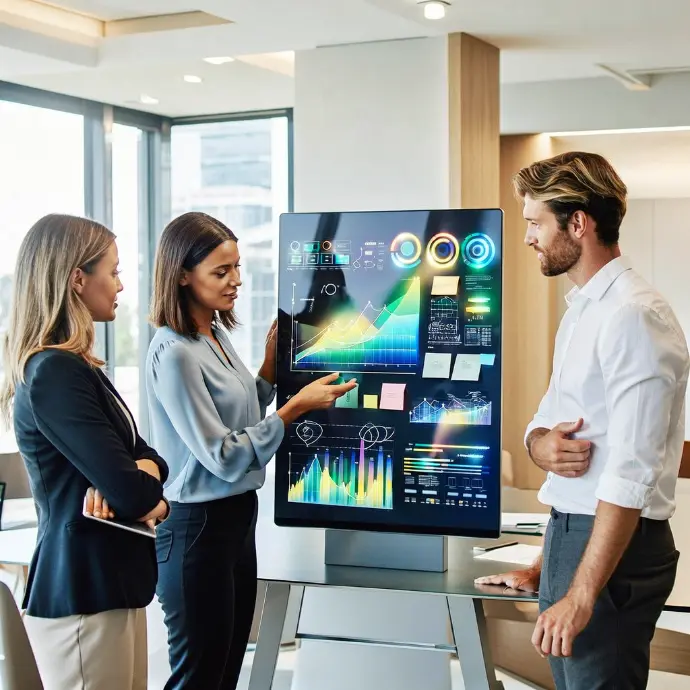
✔️ Fixed wall installation
✔️ Support mobile

✔️ Network configuration
✔️ Business applications
✔️ Cloud accounts
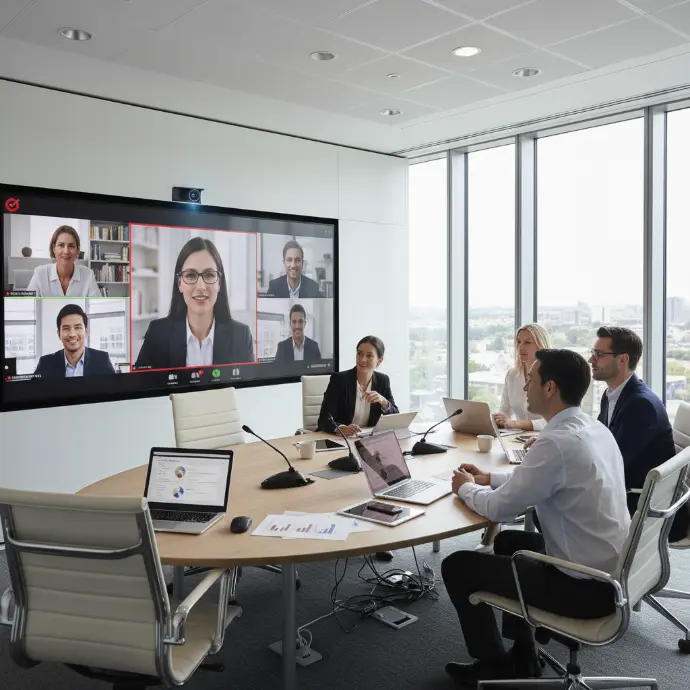
✔️ Quick training
✔️ Demonstration

✔️ Responsive technical support
✔️ Regular updates
The Features of Our Touchscreens
Multi-touch 20 points
Up to 20 simultaneous touch points for seamless collaboration.
Magnetic styluses
Magnetic styluses included for precise writing.
Fluid Writing
Smooth and precise writing, just like on paper.
Annotation
Annotate directly on all your documents and presentations.
Built-in Android
Built-in Android system for standalone use without a PC.
Web browser
Built-in web browser for accessing your cloud applications.
Wireless Sharing
Share your PC, Mac, or smartphone screen wirelessly.
Ideal for Your Meetings, Training Sessions, and Workshops
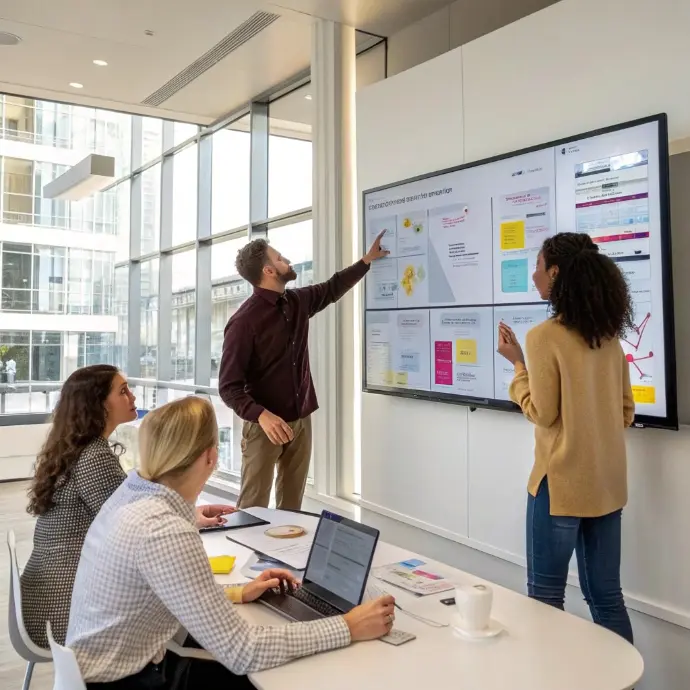
The touchscreen transforms your spaces into interactive collaboration zones:
- Management meetings and committees
- Creative workshops and workshops
- Internal training and onboarding
- Brainstorming sessions
- Client sales presentations
- Design, conception and project review
Our 7-Step Installation Process
Needs Analysis
Study of your room: dimensions, intended use, number of users.
Choosing the Size
Select the appropriate screen size: 55, 65, 75, or 86 inches.
Installation
Professional and secure installation and wall mounting.
Configuration
Network configuration, WiFi, and integration with your internal tools.
Tests
Comprehensive testing of touchscreen, screen sharing, and features.
Training
Training your teams in the use of the touch screen.
Continuous Support
Responsive technical support and remote assistance.
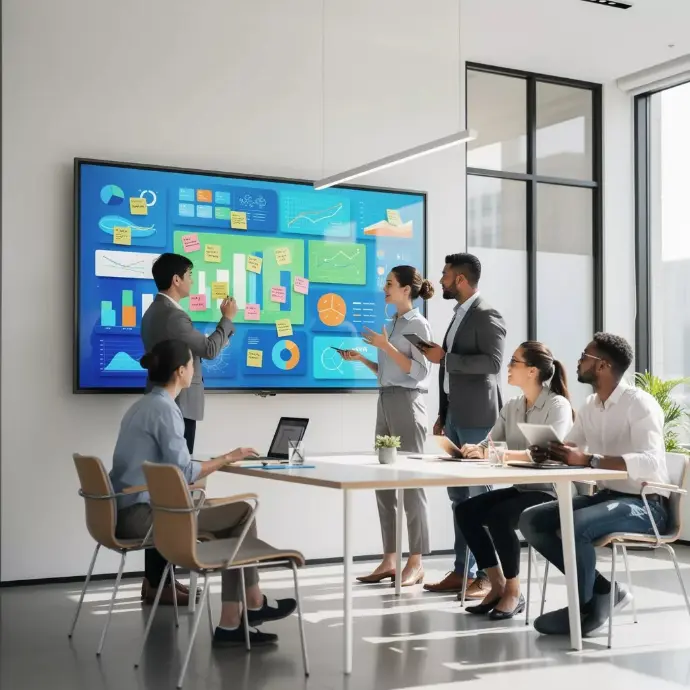

A Powerful and Intuitive Interactive Tool
With our professional touchscreens, you can:
- write and annotate directly on the screen
- Intuitive navigation as if on a giant tablet
- Zoom in, move and manipulate the elements
- Launch presentations and one click
- Project the screen from any wireless device
Why Invest in a Professional Touchscreen?
75%
Employees retain visual information better.
Deliver a seamless interactive experience for your presentations and demonstrations.
Technologies used












FAQ – Touchscreens
Here are some frequently asked questions about professional touchscreens.
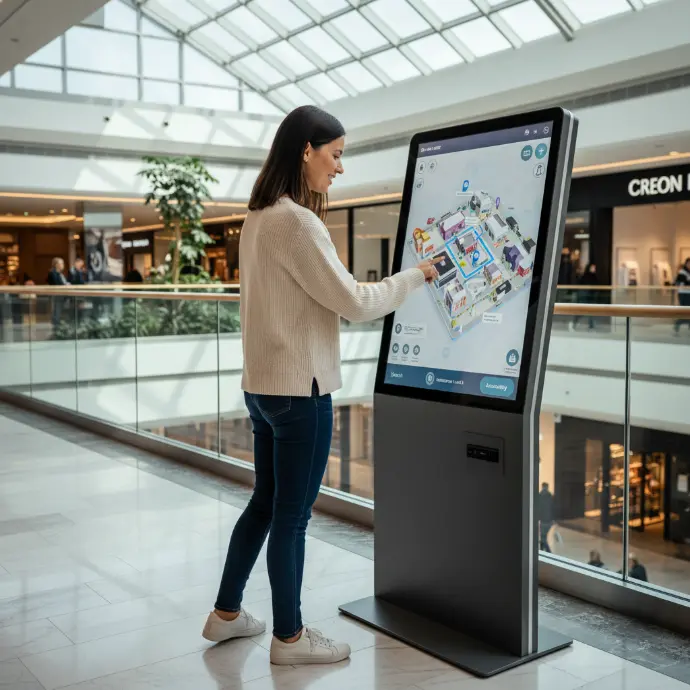
The touch screens have many professional uses: interactive meetings (annotation, brainstorming), training courses (dynamic presentations), reception and orientation (interactive terminals), control rooms (supervision), and retail outlets (catalogs, configurators). They promotecommitment and the collaboration.
The to you depends on usage and viewing distance. For use individual or small group (2-4 people), 43” to 55” sufficient. For a meeting room (6-12 people), choose 65" to 75". For a large room or training room, 86” and above are recommended. We will advise you after analyzing your spaces.
Thetouch screen offers a best image quality (brightness, contrast), does not require darkening the room, and is more reactive to the touch. The interactive video projector enables larger diagonals at a lower cost and adapts to existing rooms. For new installations, the touchscreen is generally preferable.
The touch screens are compatible with all Windows or Android software. Manufacturers often offer collaboration software integrated (whiteboard, annotation, sharing). They work perfectly with Microsoft 365 (PowerPoint, Teams), Google Workspace, and the tools for video conferenceWe configure the screen according to your usage.
Theinterview is simple: regular cleaning of the surface with a microfiber cloth and a suitable product (no alcohol or ammonia), check the updates software, and control of connectionsProfessional displays are designed for intensive use and have a lifespan of 50,000 hours or more.
Develop the skills of your teams
Cybersecurity & User Best Practices
Collaborative tools & digital organization
ERP, CRM, DMS & automation
Cloud, infrastructure & telephony
GDPR Compliance & Data Security
🎓 Discover our Training Courses →
Train your teams on essential IT challenges.
Our latest content
Discover what's new in our company!
Switch to Touchscreens and Modernize Your Workspaces
Free demonstration at your premises. Our experts will show you our touchscreens and answer all your questions.